GUEST SAFETY
Safety that moves with you
From booking to arrival: verified operators, clear trip details and support when you need it. Know who is coming before you travel.

GUEST SAFETY
Safety that moves with you
From booking to arrival: verified operators, clear trip details and support when you need it. Know who is coming before you travel.

Verified operators
See who is coming
Help for every booking
ALL IN ONE PLACE
Designed around your journey
BOOK
Your trip, in one place
See your service, the operator and the full price before you pay. Your chauffeur’s name, photo and plate appear in the app before the trip. Boat and jet crews are shown by role.
Discover the Pickup experience
TRAVEL
Match before you go
Check the vehicle, plate and chauffeur or crew against what the app shows before you get in. There is no code to give anyone.
How verification worksAFTER
A record you can rely on
Rate your trip, and keep the booking confirmation and receipt in your account. If something went wrong, report it in the app and we will work through it with you.
Report a safety issue
Confidence throughout your journey
Twelve ways Pickup helps you travel knowing what to expect.

BEFORE YOU BOOK
Operator profiles
Review the operator, their service and guest reviews before you confirm.
BEFORE YOU TRAVEL
Booking verification
Your service, operator, date and all-in price, confirmed in one place.

ON ARRIVAL
Match before you go
Check the vehicle, plate and crew match the app. There is no code to give anyone.

BEFORE YOU TRAVEL
Vehicle and asset details
See the car, boat or aircraft you booked, so you know what to look for.

TRUST
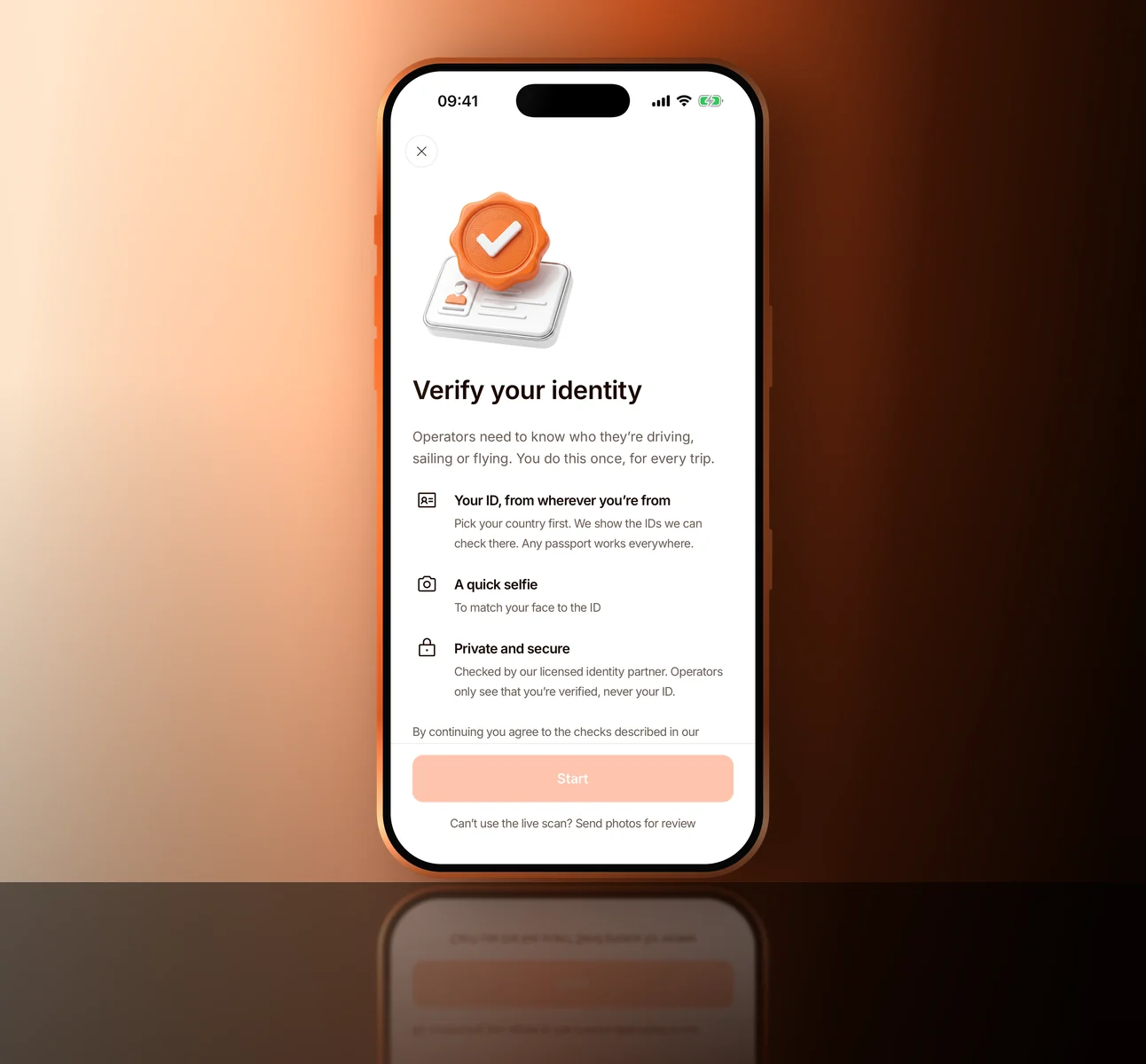
Guest identity
Only the person who books verifies. You do it once, after booking and before your first trip.

YOUR ACCOUNT
Booking history
Upcoming and past bookings, with the details that matter, in your account.

IN THE APP
Operator chat
Message your operator in the app. Numbers are shared only from 1 hour before to 1 hour after a trip.

UPDATES
Booking changes
Get notified when something about your booking or journey changes.

AFTER YOUR TRIP
Guest feedback
Rate and review your trip to keep the standard high for everyone.
BEFORE YOU BOOK
Service requirements
Requirements that vary by journey or location are shown before you book.

SUPPORT
Journey support
Chat in Help: an automated AI assistant first, then a person through “Talk to a person”. Or email support@pickupcharter.com. Emergencies: call 112 first.
RECORDS
Booking records
Confirmations and receipts kept together for easy reference.
Check your journey before you go
Three quick checks before your trip starts at the booked time.
STEP 1
Review your booking
Check the service, operator, pickup point and time in the app.
STEP 2
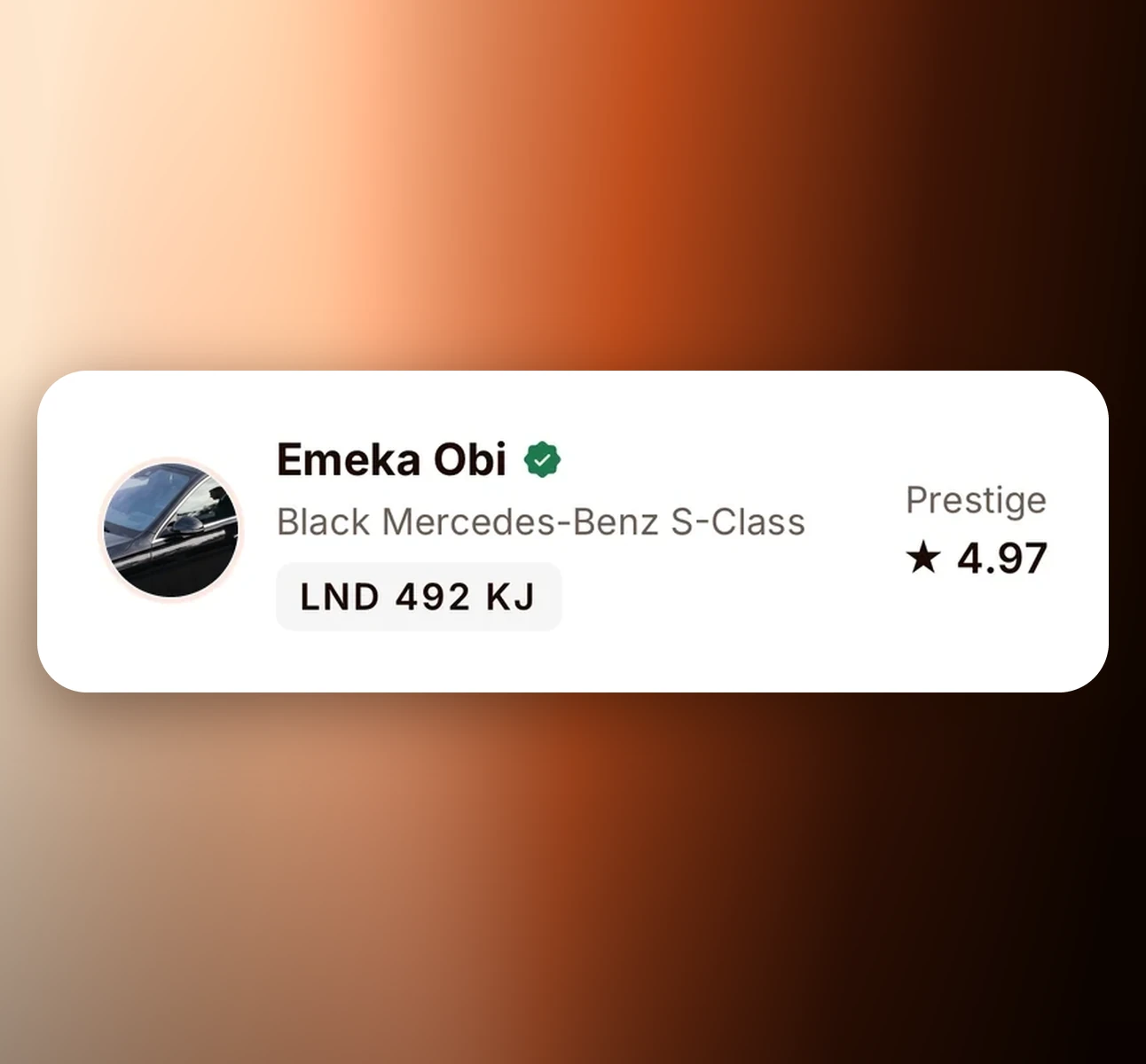
Match the vehicle and crew
Make sure the vehicle, plate and chauffeur or crew match what the app shows. There is no code to give anyone.
STEP 3
Travel, or tell us
Everything matches? Enjoy the trip. If anything does not match, do not travel and tell Pickup straight away.

3
checks before you go
0
codes to share
"If the vehicle, plate or crew do not match the app, do not travel. Tell Pickup in the app or email support@pickupcharter.com."
Report an issueDURING YOUR JOURNEY
Stay aware. Report what's wrong.
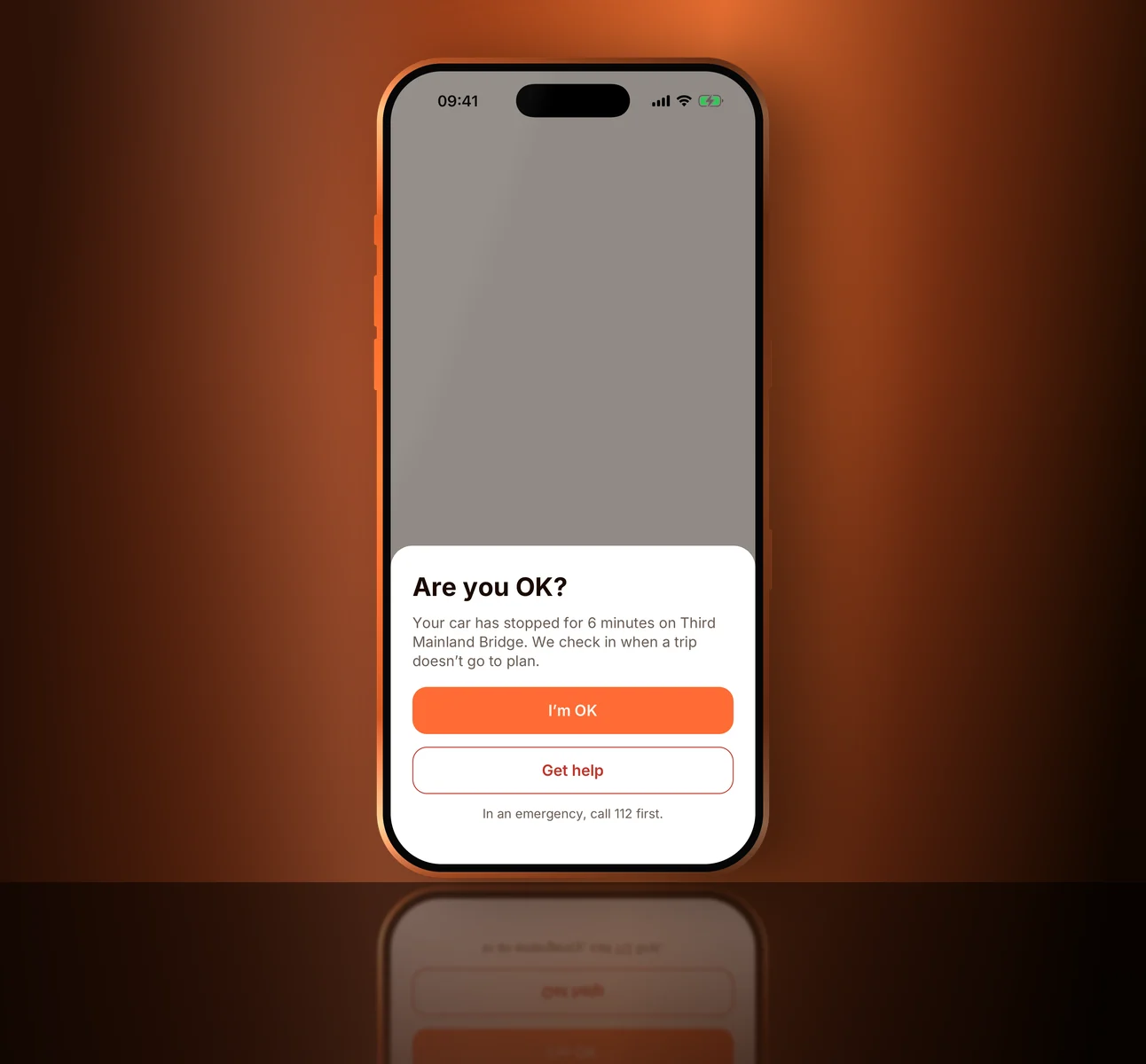
Share a read-only trip link with someone you trust; it stops 1 hour after your trip. Follow the safety instructions of your chauffeur, captain or crew. Report or block from the trip screen. On car and boat trips, we ask “Are you OK?” after an unplanned stop of 15 minutes, and you can choose to alert your emergency contacts if you do not answer. In an emergency, call 112.
Share my trip
Building a stronger community
Pickup brings guests and operators together around a shared standard of respect, professionalism and exceptional service.

LISTENING
Listening and learning
We learn from guests, operators and safety experts to keep improving Pickup.
PARTNERS
Working with trusted partners
We aim to work with relevant organisations to strengthen safety standards across the marketplace.
COMMUNITY
Supporting our communities
As Pickup grows, we want to help build safer, more connected cities wherever we operate.





Safety questions
Is there a PIN or code to give my chauffeur?
No. Your trip starts at the booked time. Just check the vehicle, plate and crew match the app. If they do not, do not travel and tell Pickup.
Who can see my phone number?
Your operator and crew, only from 1 hour before to 1 hour after your trip. Before and after that, chat in the app.
When do I verify my identity?
After you pay and before your trip: by 24 hours before a car or boat trip, or before the start if you book later than that. Jets follow the passenger manifest cut-off. Most ID reviews finish within 24 hours; some take up to 3 working days. A missed check counts as you cancelling.
What should I do in an emergency?
In-app safety features are secondary information tools and do not constitute an emergency response service. Pickup does not guarantee continuous, uninterrupted live monitoring, and automated prompts do not shift emergency response duties away from public authorities. In an emergency, call 112. When you are safe, report it in the app or email support@pickupcharter.com.