
A more protected journey, from booking to arrival.
Pickup Protect is the trust layer behind every booking. Who you travel with is verified, what you book is checked, and support is in the app from booking to arrival.
From booking to arrival
Verify
Screen
Check documents
Support
Resolve
Verified on both sides
The person booking, the operator and the crew all prove who they are before a trip goes ahead.
GUESTS
Guest identity verification
The person who books verifies their identity once, after their first booking and before their first trip. We check their name against a government ID, so operators know who is booking.
How verification works
OPERATORS
Operator verification
Every operator is a registered business. We check its registration, licences, and the documents for every vehicle, vessel or aircraft it lists, before it ever goes live on Pickup.
How operators are checkedCREW
Crew verification
Chauffeurs, captains and flight crew are checked by their operator against Pickup’s standards before they carry a guest, and kept current with the same document checks as the vehicle, vessel or aircraft.
How crew are checked
Checked before anyone moves

SCREENING
Reservation screening
We review reservations for signs of risk and may hold or decline a booking that looks likely to cause disruption or damage.

DOCUMENTS
Verified documents
Business registration, licences and vehicle, vessel or aircraft papers are checked. A daily check pauses anything that expires.

INSURANCE
Operator-held insurance
Every operator holds its own commercial insurance for every listing, checked before it goes live.

PRIVACY
Numbers only around trips
Phone numbers show from 1 hour before to 1 hour after a trip. Everything else stays in app chat.
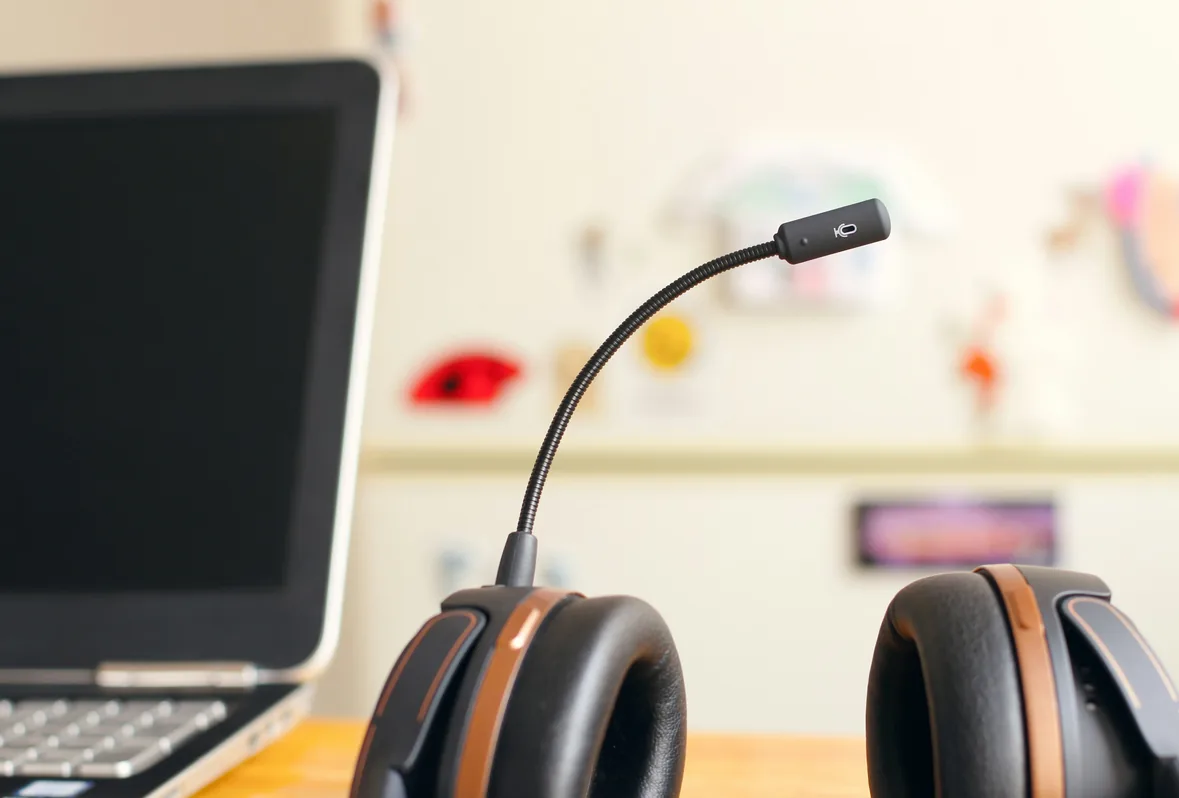
SUPPORT IN THE APP
Report it. We'll follow up.
In an emergency, call 112 first. On car and boat trips, we ask “Are you OK?” after an unplanned stop of 15 minutes, but that does not replace emergency services. When you are safe, report it in the app or email support@pickupcharter.com and we will follow up.
Safety at Pickup
REPORT & BLOCK
Report it. Block them.
Report a guest, operator or crew member from the trip, and block them from future bookings.
DISPUTES
Fair dispute resolution
Raise a problem in the app. Both sides are heard and you get a decision with reasons. Unreleased payment is held while we review.

TRIP RECORD
A clear record
Messages, timings and payments are kept with the booking, ready to support a claim or a review.
No cover sold here

None
sold by Pickup
Every
listing’s documents checked
Pickup does not provide, sell or arrange insurance. Every operator holds its own commercial insurance, checked before listing. If something goes wrong, you claim against the operator and its insurer. After an injury or severe property damage, we give you the operator’s insurance certificate details, and we share the booking records you need.
Insurance Information
Safety for guests
What we check, who sees your number, and what to do if something feels wrong.
Read the guideSafety for operators
Verification, reporting guests and the standards every listing is held to.
Read the guide
Everything you need to know
Cannot find it here? Visit the Help Centre.
Is Pickup Protect an insurance product?


No. Pickup Protect is how Pickup checks people, bookings and documents, and supports you around a trip. Pickup does not sell insurance or a protection plan.
Who insures my trip?
The operator. Every operator holds its own commercial insurance, checked before it goes live on Pickup. If something goes wrong, you claim against the operator and its insurer. After an injury or severe property damage, we give you the operator’s insurance certificate details, and we share the booking records you need.
How are operators verified?
Every operator is a registered business. We check its registration, licences, and the documents for every vehicle, vessel or aircraft it lists, with a daily check for anything that expires.
Who can see my phone number?
Only the operator and the chauffeur, crew or pilot assigned to your trip, and only from 1 hour before to 1 hour after it. Outside that window, everything stays in the app.
What do I do in an emergency?
Call 112 first. Then tell us in the app as soon as you can, so we can follow up. In-app safety features are secondary information tools and do not constitute an emergency response service. Pickup does not guarantee continuous, uninterrupted live monitoring, and automated prompts do not shift emergency response duties away from public authorities. In an emergency, call 112.
How are disputes handled?
Raise it in the app. Both sides are heard and you get a decision with reasons; payment is held, unreleased, while we review.