
Pickup Charter co-marketing guidelines

Build with Pickup
Whether you’re promoting your business, creating a campaign or announcing your partnership with Pickup, these guidelines keep every co-marketing touchpoint consistent, recognisable and unmistakably Pickup. Use the approved assets, messaging and layouts below when featuring Pickup across your marketing channels.
01 · BRAND ELEMENTS & LOGOS
Lead with your brand. Represent Pickup clearly.
Your brand should stay visually strong next to Pickup. Use only approved logo artwork and choose the version with the clearest contrast against your background.

Light backgrounds. Use the dark Pickup logo.
Orange backgrounds. Use the light Pickup logo.
Dark backgrounds. Use the light Pickup logo.

02 · APP ICON
Make it easy to discover Pickup
Use the Pickup app icon and approved calls to action when you send customers to the Pickup app.

iOS app icon
Android rounded app icon
Android circle app icon
03 · CORE COLOURS
Core colours
Pickup Dark and Cream form the foundation. Sunrise Orange is a controlled accent, never the whole layout. Ember carries actions on light grounds. White adds clarity and breathing room.
Primary
Pickup Dark
HEX #1A0A00
RGB 26, 10, 0
Accent
Sunrise Orange
HEX #FF6B35
RGB 255, 107, 53
Action
Ember
HEX #C8460F
RGB 200, 70, 15
Soft
Cream
HEX #FCF6F1
RGB 252, 246, 241
Canvas
White
HEX #FFFFFF
RGB 255, 255, 255
04 · LOGO GUIDANCE
Give the Pickup mark room to move
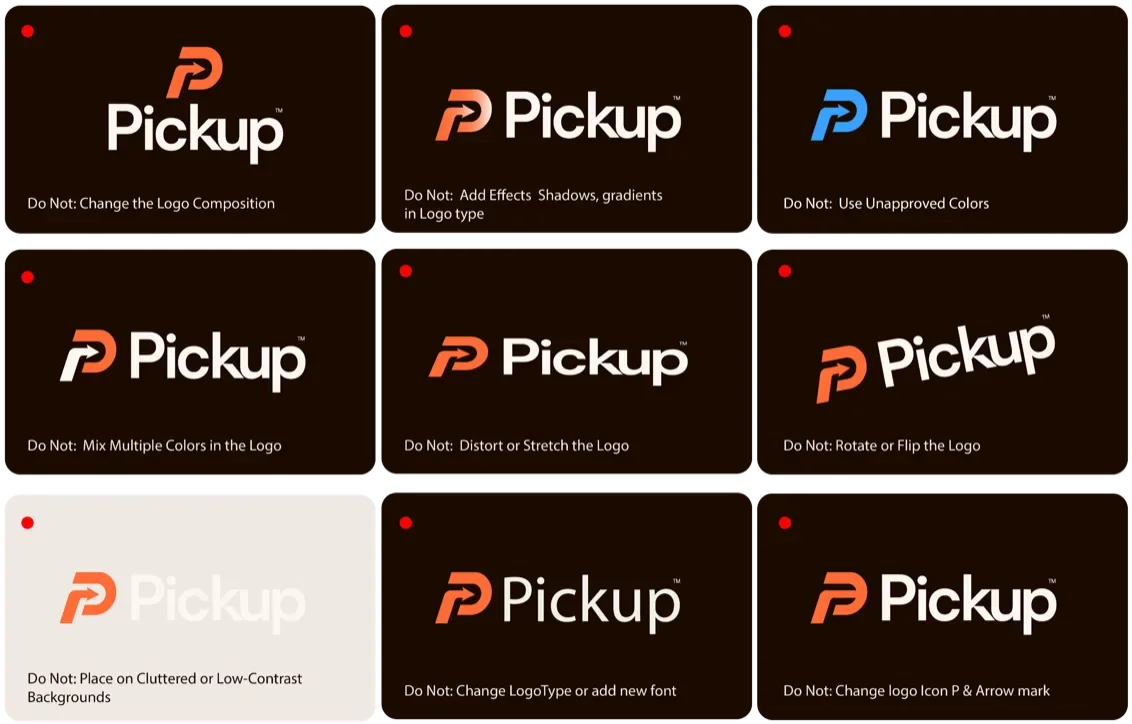
Keep clear space around the logo equal to the height of the mark. Never stretch, rotate, recolour or alter it. In a partner lockup, your brand comes first and leads; Pickup is the supporting platform.
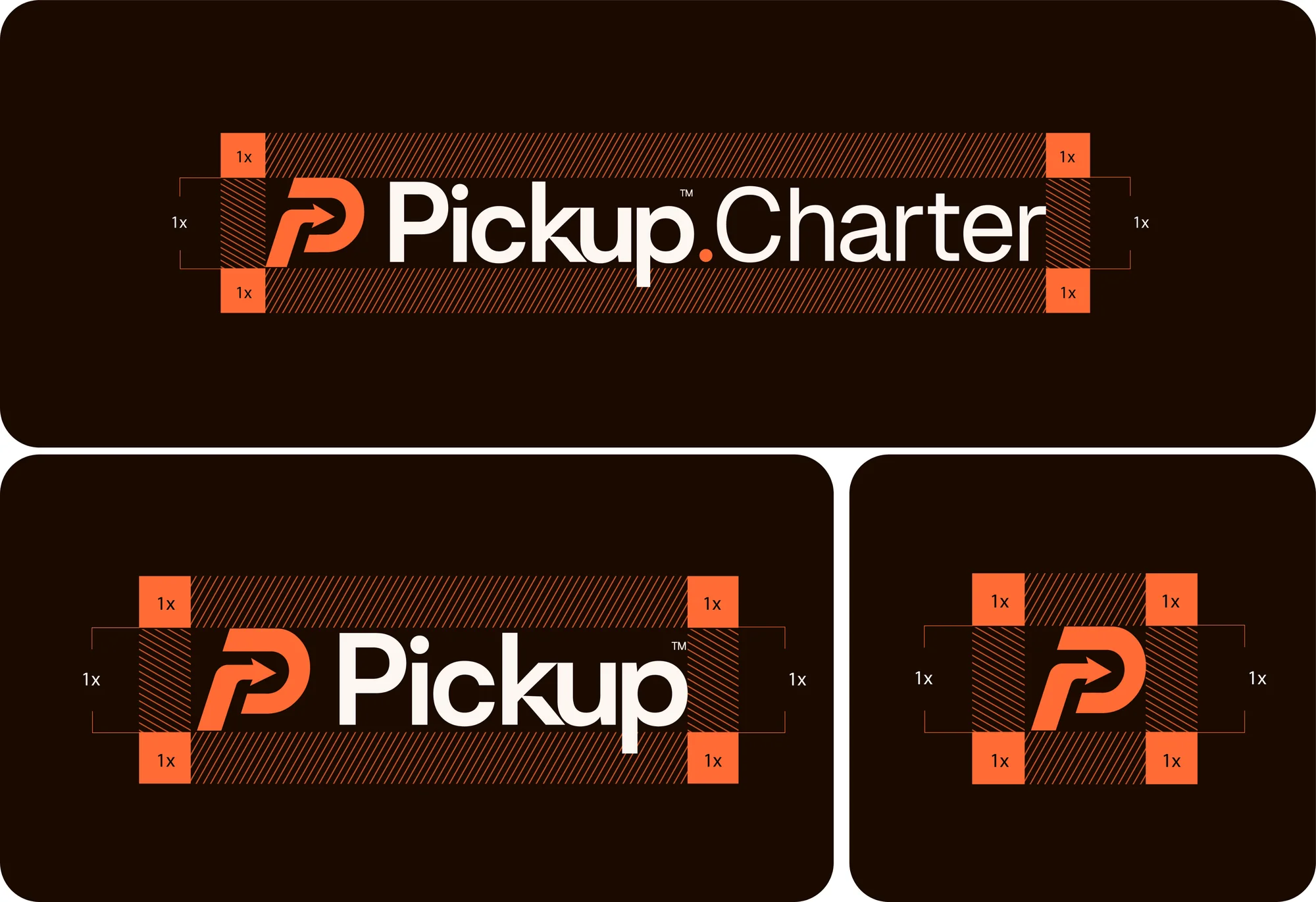
Clear space = height of the mark on every side.
05 · PARTNER LOCKUPS
Partner and co-branded materials
Show both logos side by side. Your logo comes first and takes the lead; Pickup appears second in a supporting role. Separate them with a vertical line, with equal space on both sides.
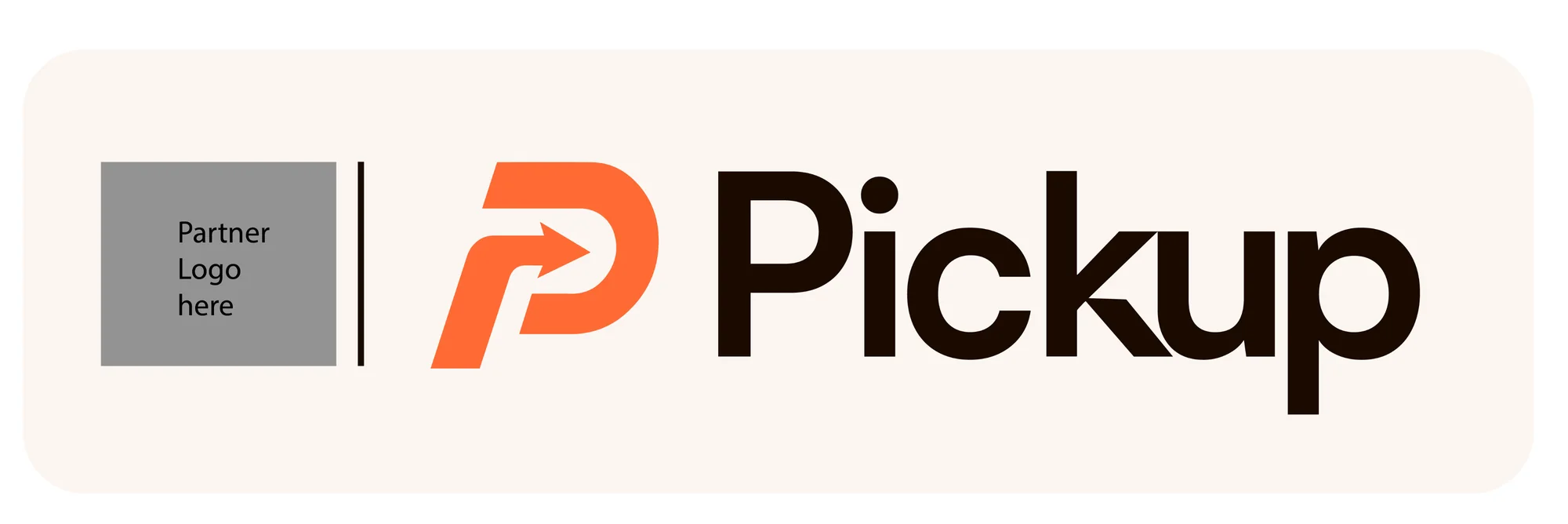
Black lockup. Black logos with a black divider line.
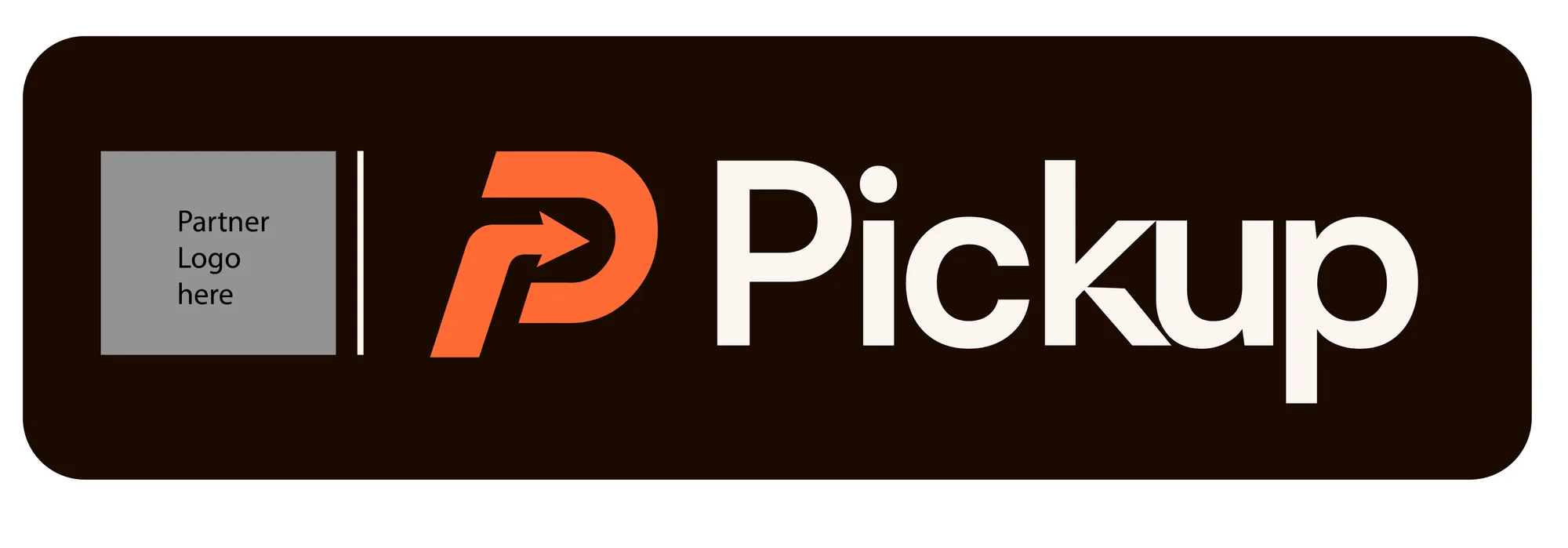
White lockup. White logos with a white divider line.
06 · INCORRECT USAGE
Incorrect usage
A few examples of what not to do with the Pickup logo.
07 · BRAND MOCKUPS
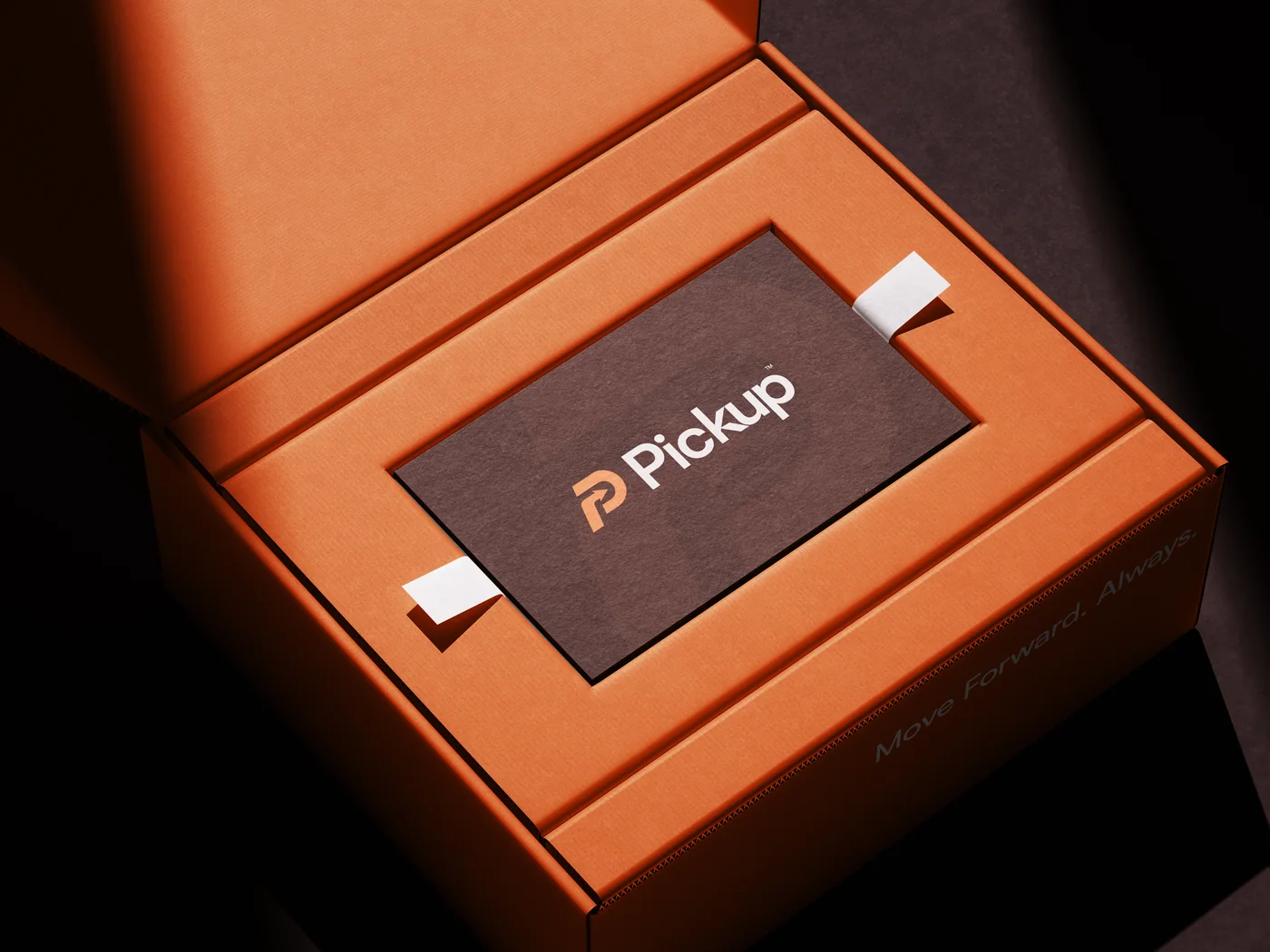
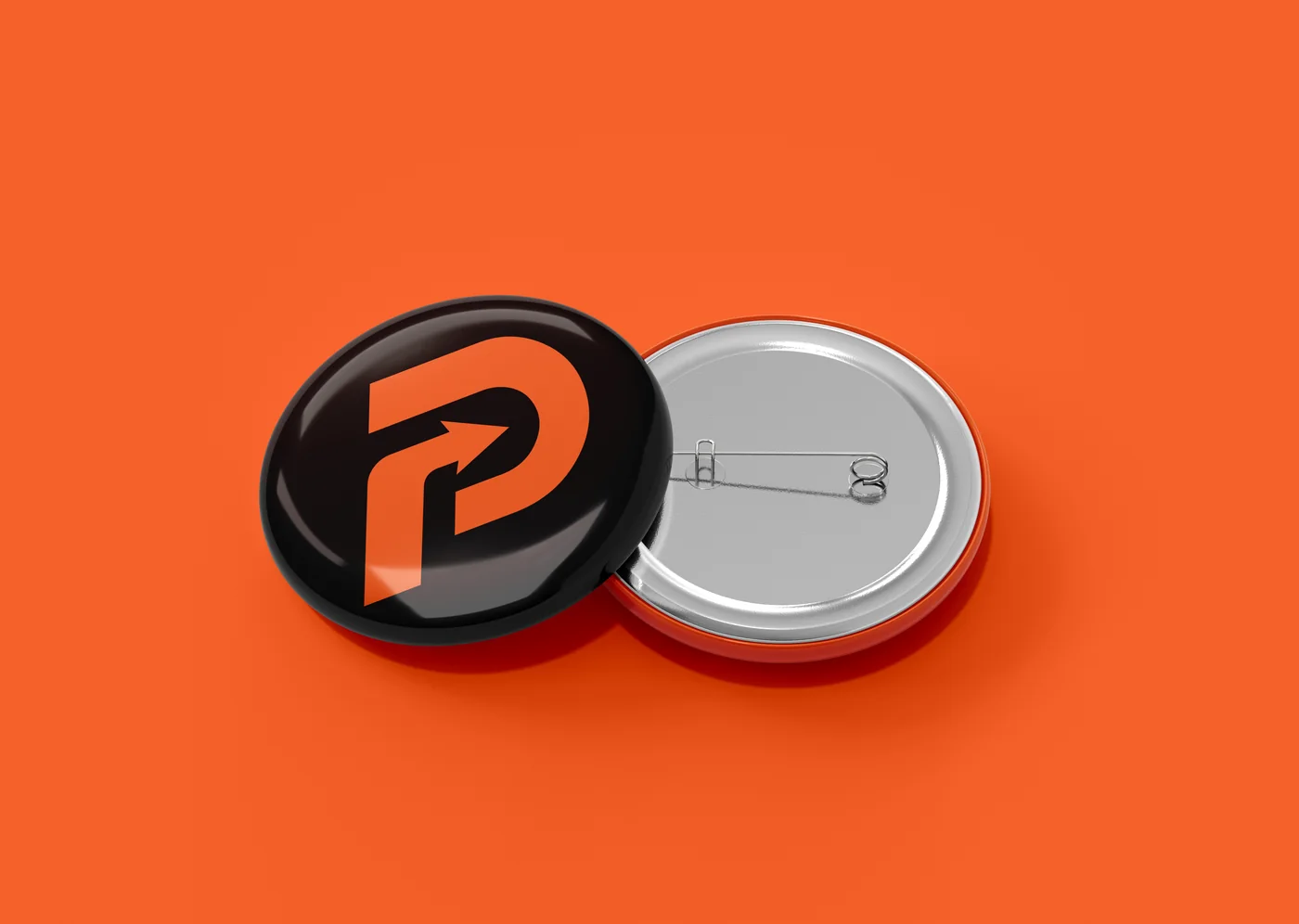
Pickup brand mockups
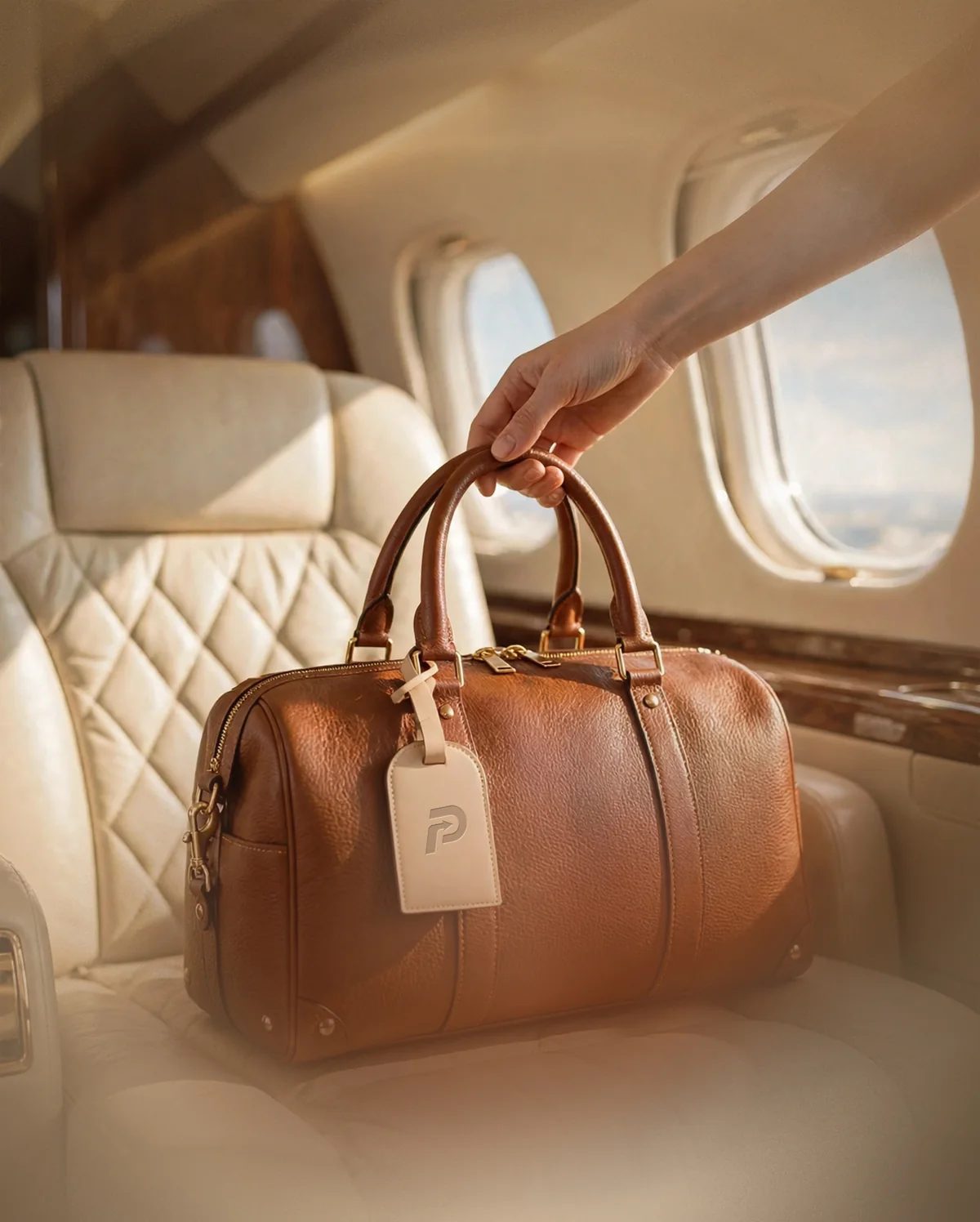
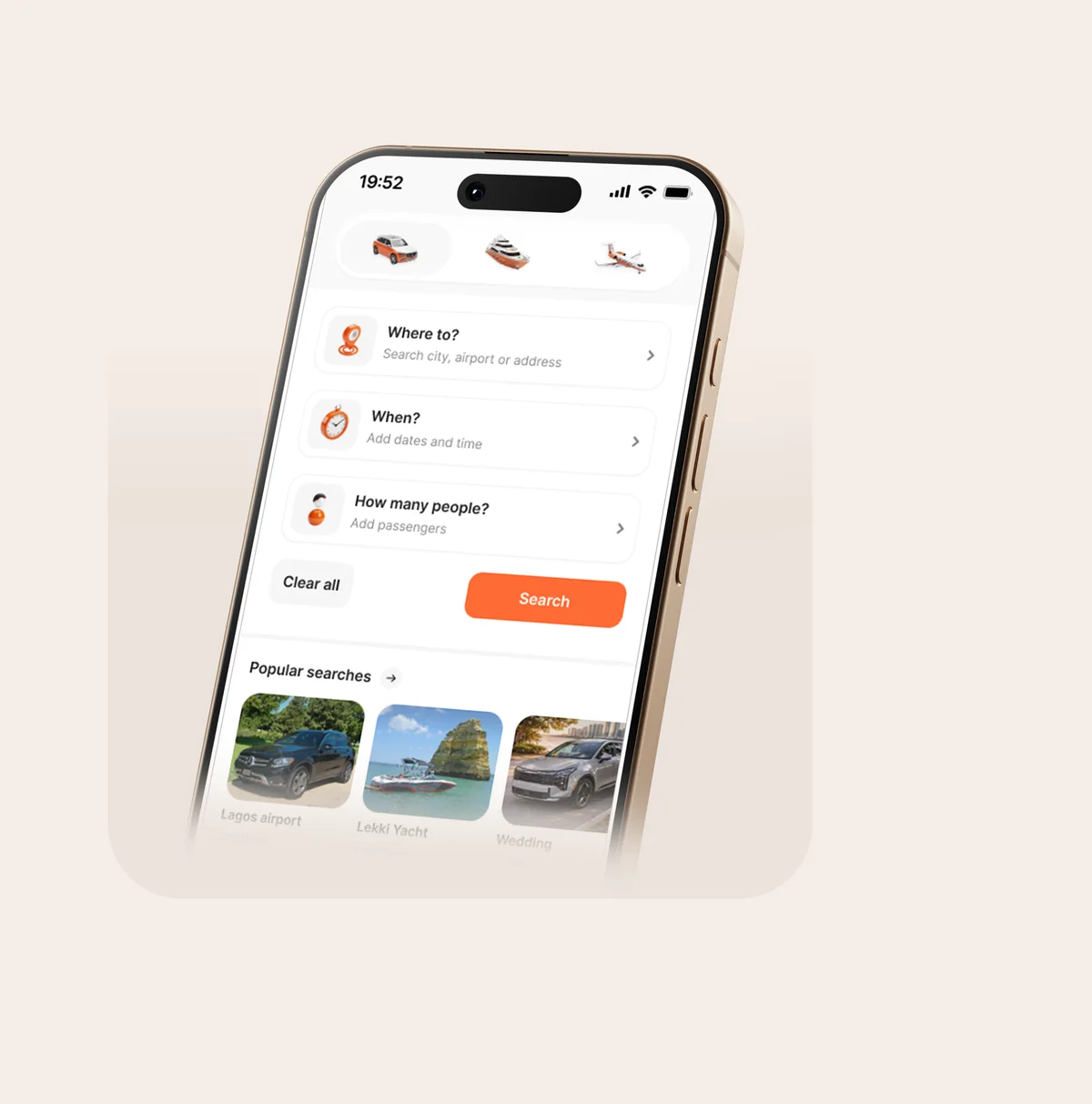
Show how Pickup may appear across partner campaigns, promotional materials and customer-facing touchpoints. Keep it clean, premium and consistent.
08 · MESSAGING GUIDELINES
Messaging guidelines
Pre-approved lines to inspire and align your own co-marketing copy.
RECOMMENDED CTAS
Book with Pickup
Book on Pickup
Available through Pickup
Powered by Pickup
BOOKING & JOURNEY
Discover and book with Pickup
Book [Service / Operator] with Pickup
Book [Service / Operator] through Pickup
Discover [Service / Operator] on Pickup
PROMOTIONAL
Discover [Service] with Pickup
Now available through Pickup
Experience [Service] through Pickup
Book with Pickup and discover a better way to move
OFFERS
[Offer] when you book through Pickup
Enjoy [Offer] with Pickup
Book [Service] through Pickup and enjoy [Offer]
Use code [XXXX] at checkout. Terms apply. Availability may vary by location.
EMAIL & WEBSITE
Discover premium mobility
Your next journey starts here
Book your journey with Pickup
Find your way with Pickup
09 · LAUNCH ANNOUNCEMENT
Launch announcement
Ready-to-use lines for your social posts, emails and website.
We're now on Pickup. Discover and book our services through the Pickup platform.
Now available through Pickup. Discover [Service / Partner Name] and book your next journey.
Meet Pickup. A new way to discover, compare and book premium mobility.
10 · LINKING TO PICKUP
Linking to Pickup
Give customers a direct path to Pickup. Use pickupcharter.com in bios, emails, QR codes and ads.